Sharing
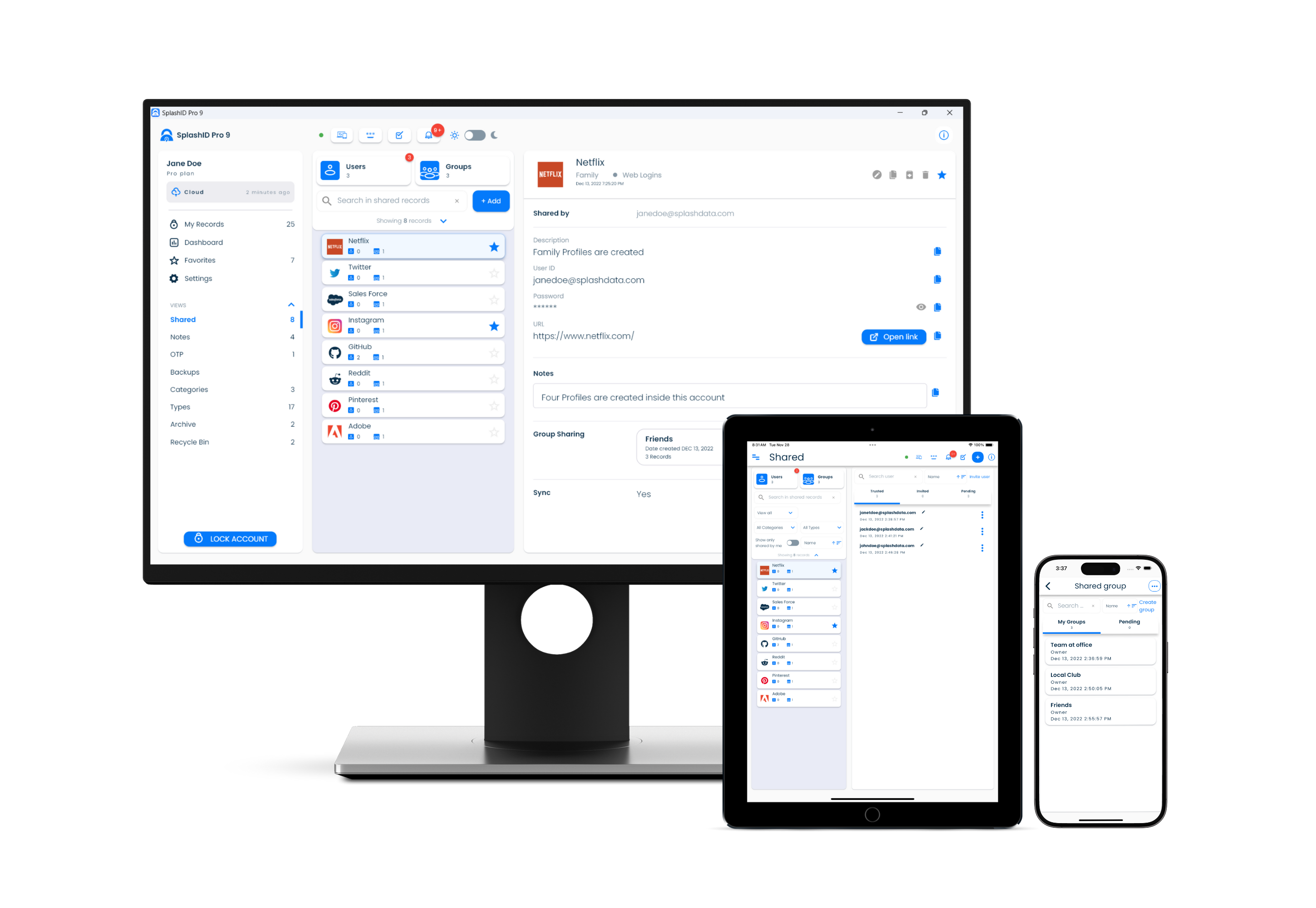
Share your passwords securely with trusted people and groups that you set up once. Sharing has never been so easy.

How it works

Invite a user
You can invite one or more users, and create a trusted relationship for secure sharing of records.

Setup trusted groups
With your trusted users, create groups.

Assign group privileges
You can allow the users in the groups you created to be an administrator, editor or just a viewer of shared records.

Share records
Create new records, or use existing ones and share them with your trusted users or groups you are a part of.
Get licenses for sharing
You can purchase licences for your family members, friends and group members.
To purchase additional licenses, sign in to your SplashID app and go to the subscriptions screen in settings. There you can manage your licenses and assignments.
After the purchase, sign in to a SplashID application and assign licences to the users of your choice.